Operations guide
Small-property operations: what to look at each day, week and month
A useful operational system does not put every number on the same screen. It surfaces the right information at the right cadence: today's movement, this week's availability, and month-end performance.
Free 14-day trial · No credit card
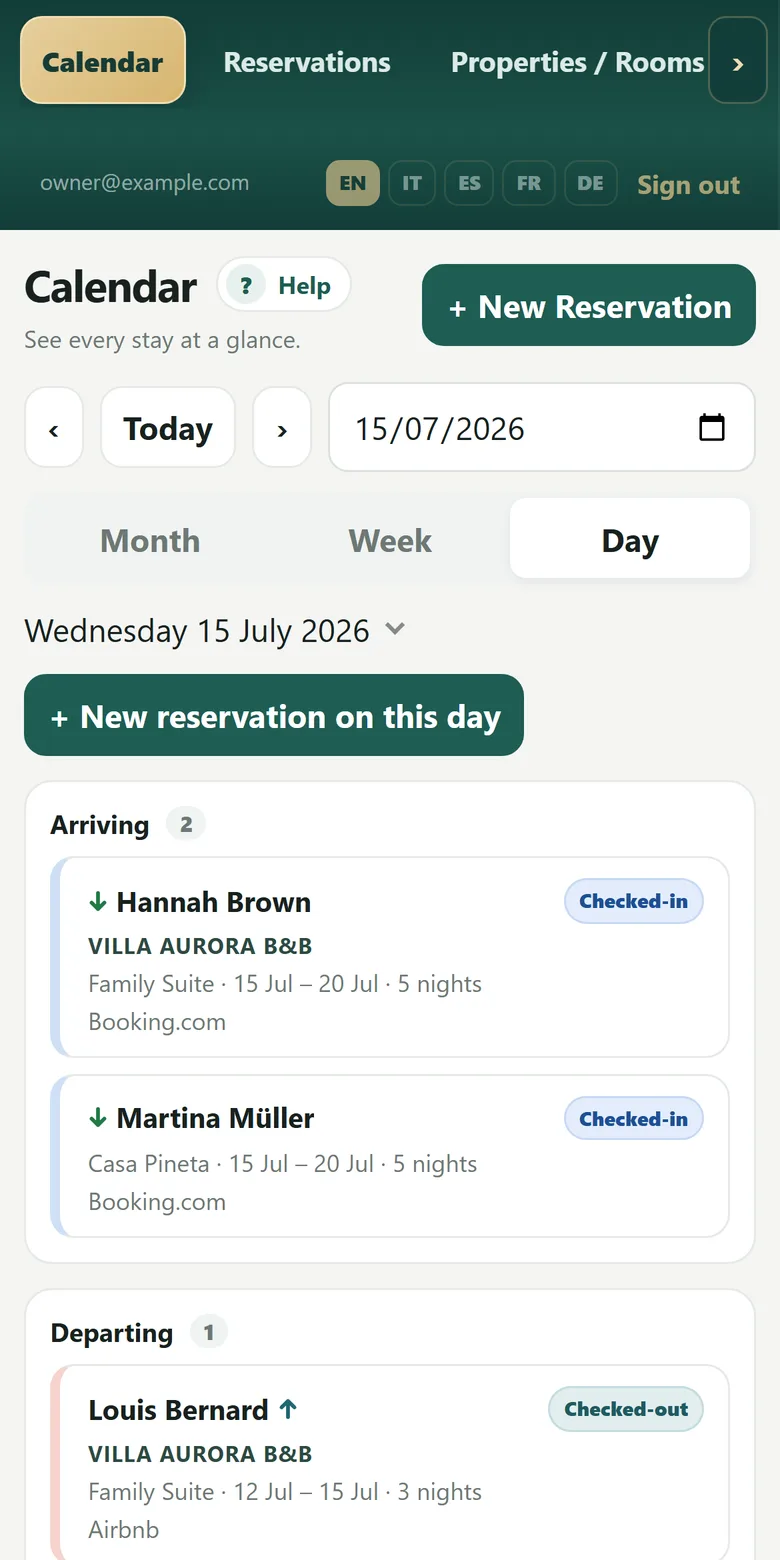
Real Planner screens with fictitious demo data.
Every morning: arrivals, departures and continuing stays
Day view reduces noise and can be printed without booking amounts for operational use.
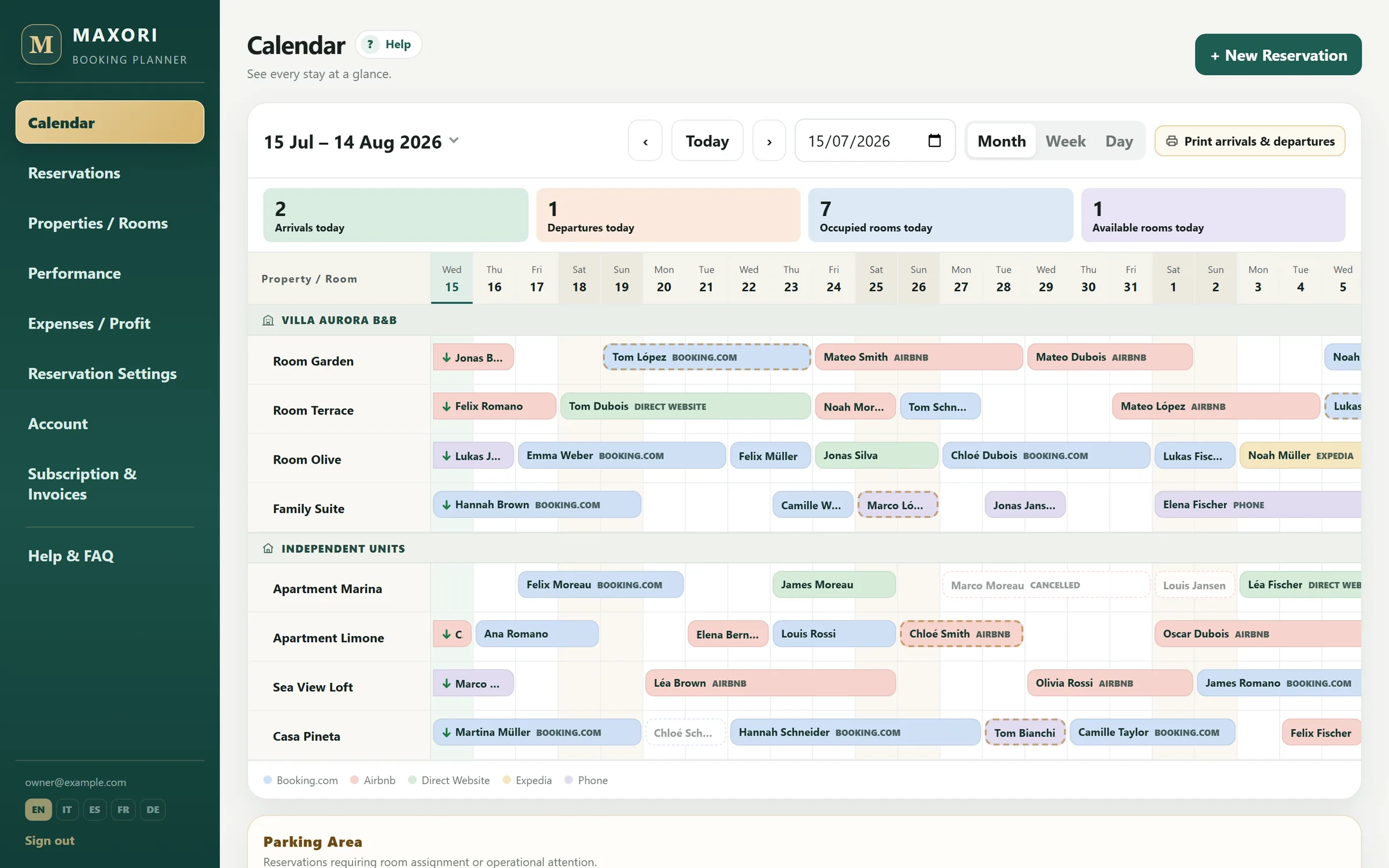
Every week: calendar and availability
Week and Month views show the shape of upcoming occupancy. Internal overlaps on the same unit are blocked.
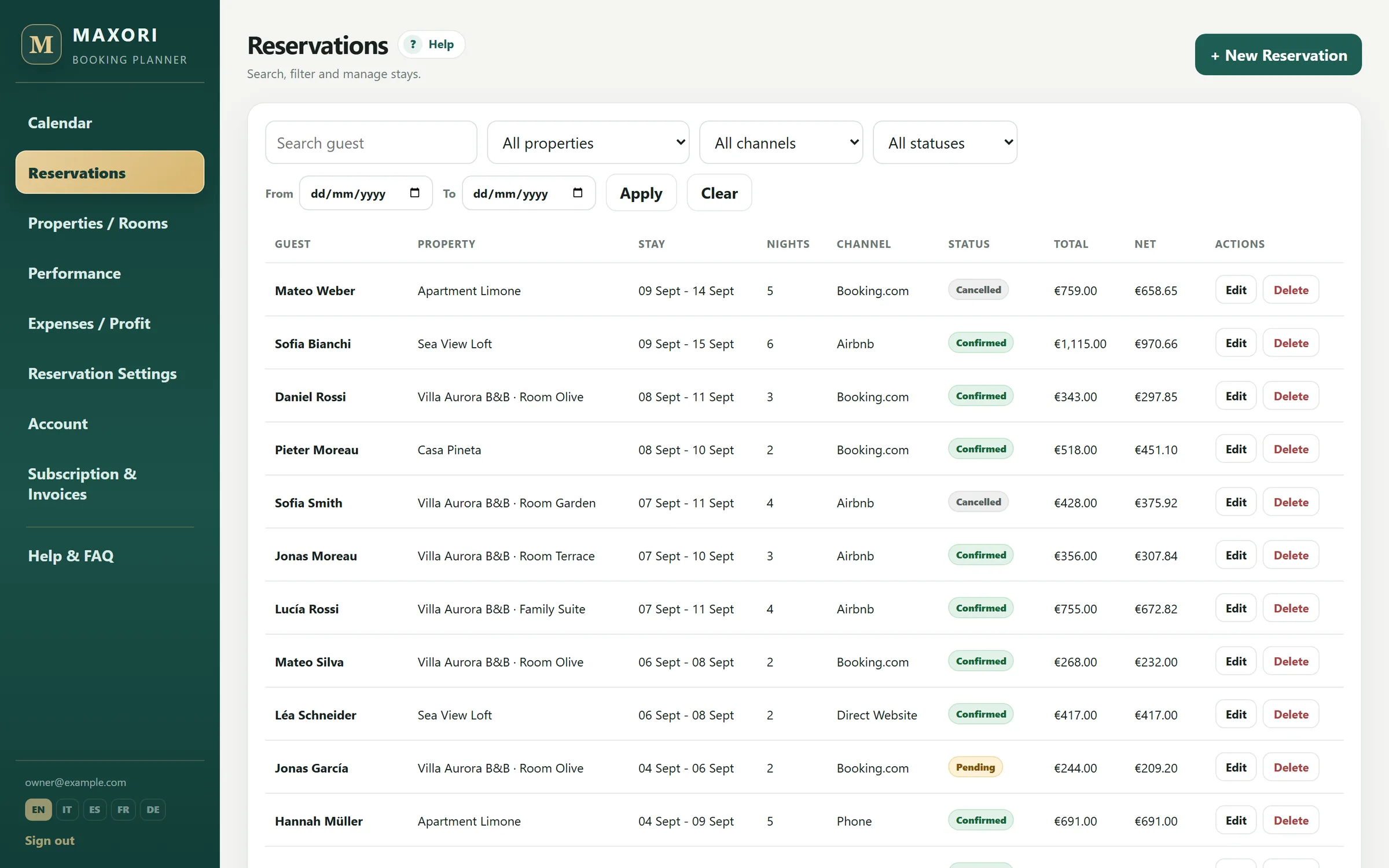
On every booking: status and recorded payments
Deposits, balances and refunds remain linked to the booking. MAXORI tracks what you record but does not process guest cards.
With a team: roles over one data set
Owner, Manager, Reception and Basic roles let people share the same booking data with different access.
At month end: move from operations to performance
The same recorded bookings, commissions and expenses feed revenue, net profit, occupancy, ADR and RevPAR.
Outside the operational scope
- MAXORI does not assign cleaning or housekeeping tasks.
- It does not handle guest invoicing, statutory guest filing or automated OTA messaging.
Can I print the daily operation only?
Yes. Day view has a print layout without booking amounts.
Can staff have their own access?
Yes. Four roles are available.
Does MAXORI manage cleaning?
No. Housekeeping is outside the product scope.
Do operational data feed the reports?
Yes. Recorded bookings, payments, commissions and expenses feed performance reporting.
Try MAXORI with your own bookings
Free 14-day trial on the real Planner, no credit card. Add a few bookings and see whether the workflow fits your operation.