Free template · XLSX
Free booking spreadsheet template for B&Bs, guesthouses and holiday lets
A ready-to-use workbook for operators who still want a spreadsheet: units, reservations, a monthly planning grid, overlap warnings and a monthly summary with occupancy, ADR, RevPAR, commissions and net revenue.
Free · no email · up to 20 units and 200 reservation rows
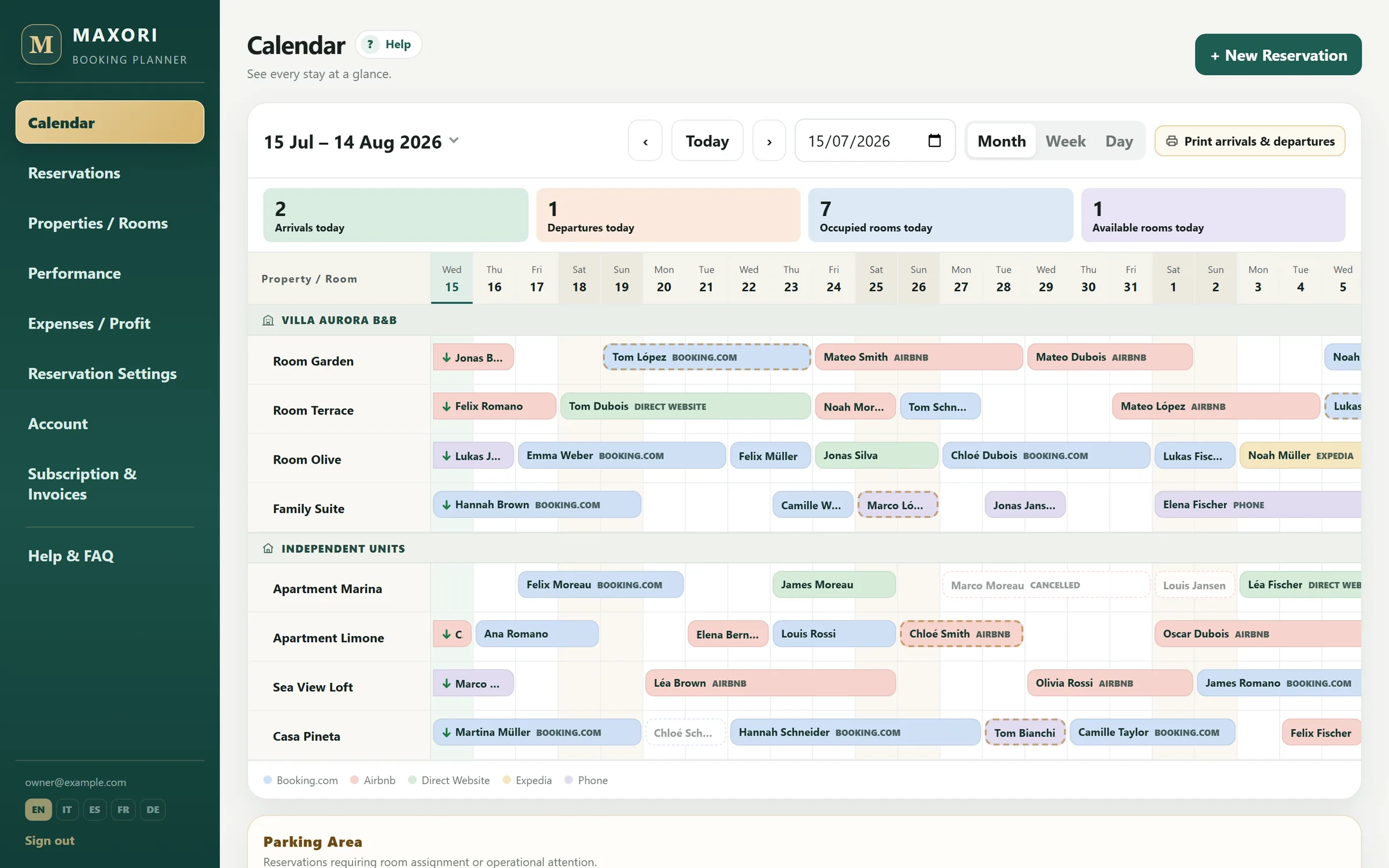
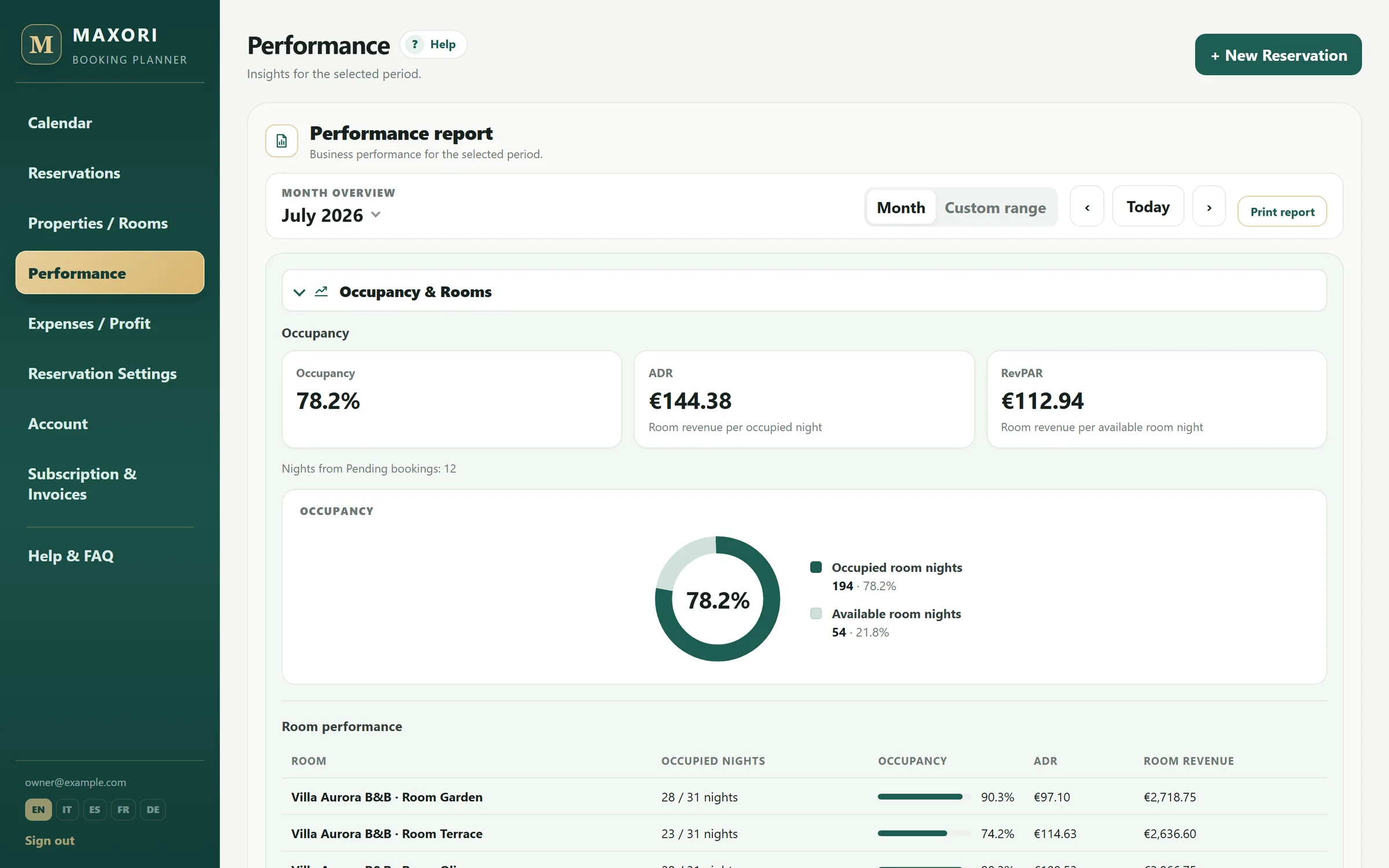
Real Planner screens with fictitious demo data.
What's inside
Five sheets: Units, Reservations, Planning, Monthly Summary and Instructions. Formula columns calculate nights, commission, net revenue, balance, overlap warnings and selected-month allocation.
- Up to 20 units
- 200 reservation rows
- Overlap warning
- Monthly planning grid
- Occupancy, ADR and RevPAR
How monthly figures are handled
When a stay crosses month end, nights, revenue and commission are allocated proportionally to the selected month before occupancy, ADR and RevPAR are calculated.
When to move from spreadsheet to Planner
The workbook is useful while one shared file is enough. When you need user access, a web calendar, recorded payments and reports without maintaining formulas, the Planner becomes the next step.
Template limits
- The spreadsheet does not sync with Booking.com, Airbnb or other OTAs.
- To move to MAXORI, save the Reservations sheet as CSV and use Import CSV in the Planner; deposits and payments are not imported.
Do I have to give an email address?
No. The download is direct.
How many units is it prepared for?
Up to 20 units.
Does it warn about overlapping bookings?
Yes. Overlapping stays on the same unit are flagged in the reservation sheet.
Can I import it into MAXORI later?
Yes: save the Reservations sheet as CSV and use Import CSV in the Planner. You match units and channels, check the preview and confirm. Deposits and payments are not imported: record them in the Planner afterwards.
Try MAXORI with your own bookings
Free 14-day trial on the real Planner, no credit card. Add a few bookings and see whether the workflow fits your operation.