Free tool
Occupancy rate, ADR and RevPAR calculator
Enter the figures for a month or a season and get the three numbers that matter to anyone who lets rooms or apartments — plus net revenue after the booking sites' commissions and the profit for the period.
The calculation runs only in your browser: the numbers you enter are not sent or stored.
Results
Enter units, nights in the period, nights sold and revenue to see the results.
How to calculate occupancy rate, ADR and RevPAR
- Occupancy
nights sold ÷ (units × nights in the period)
How much of your availability you sold. 4 apartments for 30 nights make 120 available nights: with 84 nights sold, occupancy is 70%.
- ADR
room revenue ÷ nights sold
The average price at which you sold a night. It ignores the nights that stayed empty.
- RevPAR
room revenue ÷ available nights (= ADR × occupancy)
Combines price and occupancy: a high ADR with many empty nights can earn less than a lower rate with a full calendar.
- Net revenue and profit
revenue − commissions − expenses
ADR and RevPAR are calculated on gross revenue, as is usual in the industry. What you actually keep depends on channel commissions and costs.
The result covers the whole period and all units together. To see which room or which month earns most you need the same numbers split by unit and by period — and that is where redoing the maths by hand gets long.
Without redoing the maths every month
Get it automatically with MAXORI Booking Planner
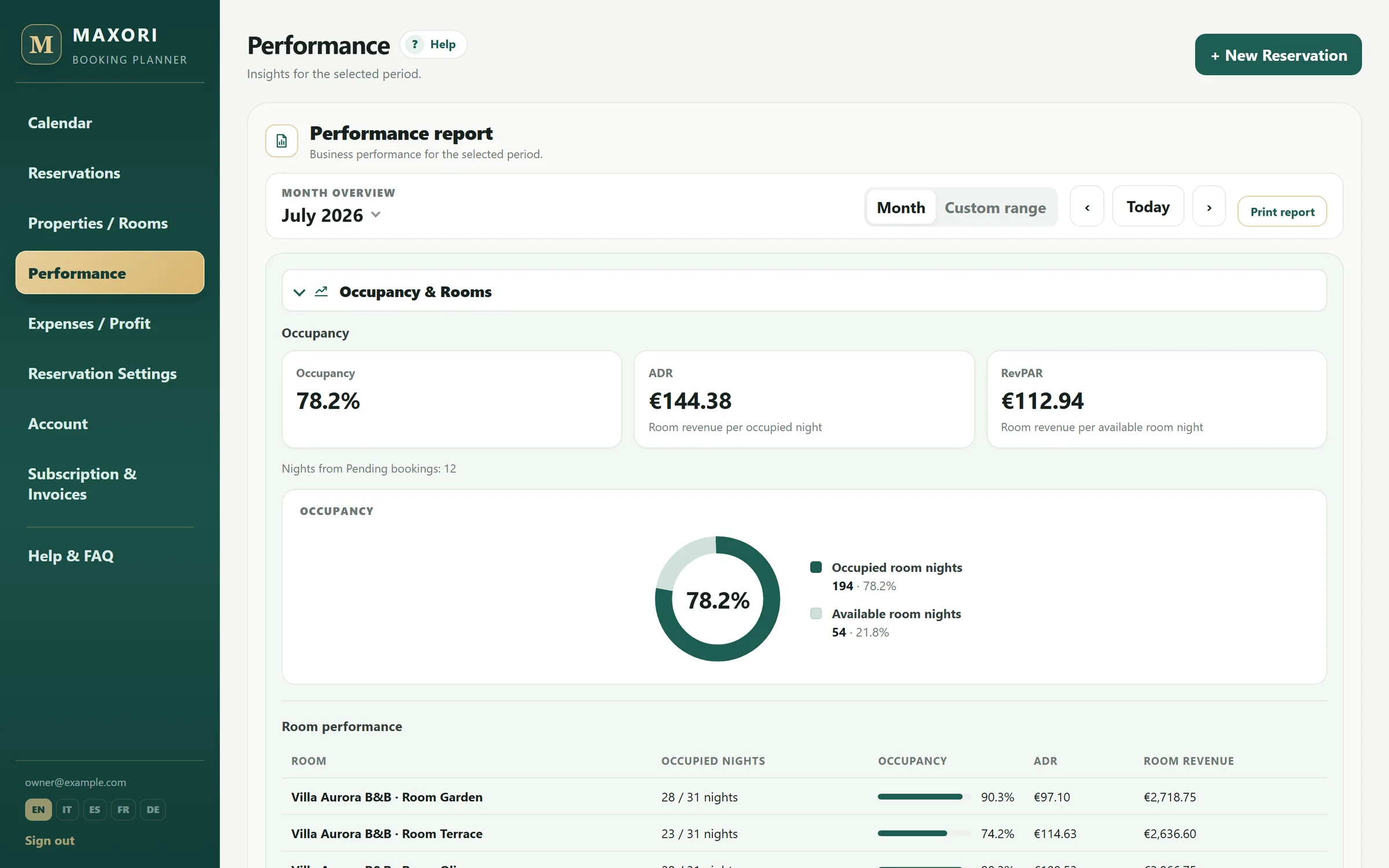
In the Planner, occupancy, ADR and RevPAR are calculated from the bookings you record, by month or any period, room by room. Every booking stores its channel and commission, and the expenses you enter lead to net profit.
- Performance report by month or period, also per room
- Revenue and commissions by channel
- Expenses and net profit in the same place
Free 14-day trial · No credit card
What is the difference between ADR and RevPAR?
ADR is the average revenue per night sold; RevPAR is the revenue per available night, sold or not. When nights stay empty RevPAR falls, ADR does not. That is why they are best read together with occupancy.
Should I include tourist tax and cleaning fees in revenue?
ADR and RevPAR normally use room revenue only. Tourist or occupancy tax is not your revenue: you collect it for the local authority. Cleaning fees charged to guests can be kept apart. What matters is using the same rule whenever you compare two periods.
How do I count available nights if a unit was closed?
The calculator multiplies units × nights, so it assumes every unit was for sale for the whole period. If an apartment was closed for works or personal use, reduce the number of units or calculate that period separately.
Is the data I enter stored or sent anywhere?
No. The calculation happens in your browser and nothing is sent to MAXORI or anyone else. If you reload the page, the fields are empty again.
Can I get these numbers without recalculating them each time?
Yes, with MAXORI Booking Planner: you record bookings with their channel and commission, add expenses, and the performance report shows occupancy, ADR and RevPAR by month or period, also per room. You can try it free for 14 days, with no credit card.