Free tool
Booking.com, Airbnb and OTA commission calculator
Enter booking revenue and a commission percentage to see the cost of the channel and the amount left after commission.
The calculation runs only in your browser.
Revenue and commission
Result
Enter revenue and percentage.
Commission formula
Revenue is multiplied by the commission percentage.
commission = revenue × percentage / 100
Actual channel billing can vary by contract, taxes and booking components.
Worked example: the cost of a 15% commission
Gross revenue €1,000 · commission 15%
Commission: €150 · revenue after commission: €850
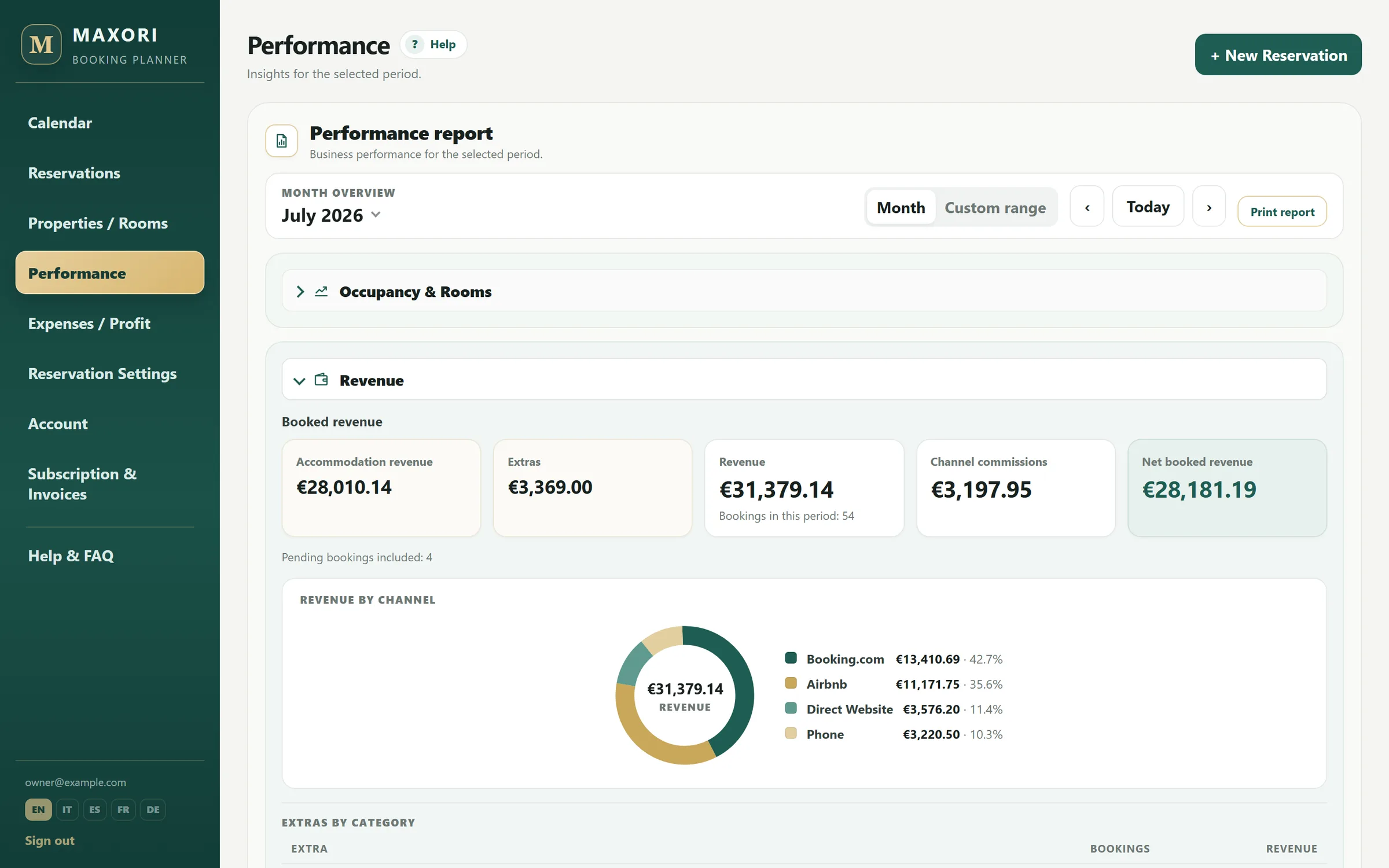
In the Planner, channel and commission stay attached to the booking so distribution cost can be read in the context of the month.
Commission in context
Store channel and commission on each booking
MAXORI keeps channel and commission beside revenue, expenses and performance.
- Channel per booking
- Revenue and commissions by channel
- Period net profit
Free 14-day trial · No credit card
Commission-calculator limits
- The actual charge depends on your contract and booking components; enter the percentage that applies to your case.
- MAXORI does not fetch an OTA commission automatically; channel and commission are configured/recorded in the Planner.
Is the Booking.com or Airbnb commission always the same?
No. Use the actual percentage that applies to your account and booking type.
Does MAXORI fetch the commission automatically?
No. You configure and record it in the Planner.
Are the values I enter in the calculator stored?
No. The calculation runs in your browser and the values are not sent or retained.
Can I then try the Planner without a card?
Yes. The free trial lasts 14 days and uses the real Planner, with no credit card.
Try it with your own bookings
Free 14-day trial on the real Planner, no credit card. See quickly whether MAXORI's simpler workflow fits the way you work.