Manual entry, central control
Booking software without a channel manager: when manual entry still makes sense
Not every small property needs automatic connections to every OTA. If your booking volume is manageable or you mainly work with one or two channels, recording each stay once in a central Planner can be enough for operations and reporting.
Free 14-day trial · No credit card
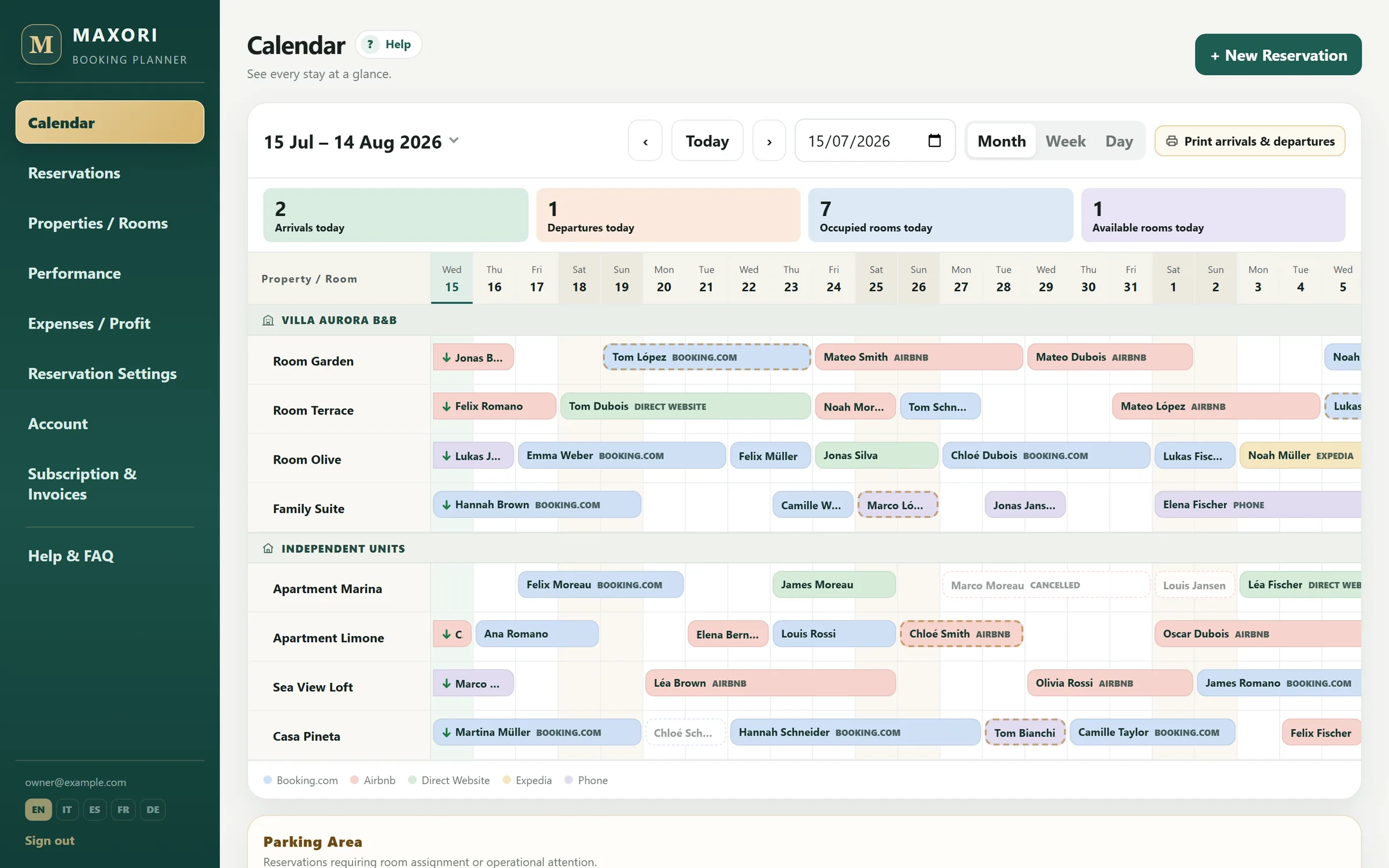
Real Planner screens with fictitious demo data.
Enter the booking once in your operating calendar
Add guest, dates, unit, channel, status and value. The Planner updates its calendar and blocks overlaps against bookings already recorded there.
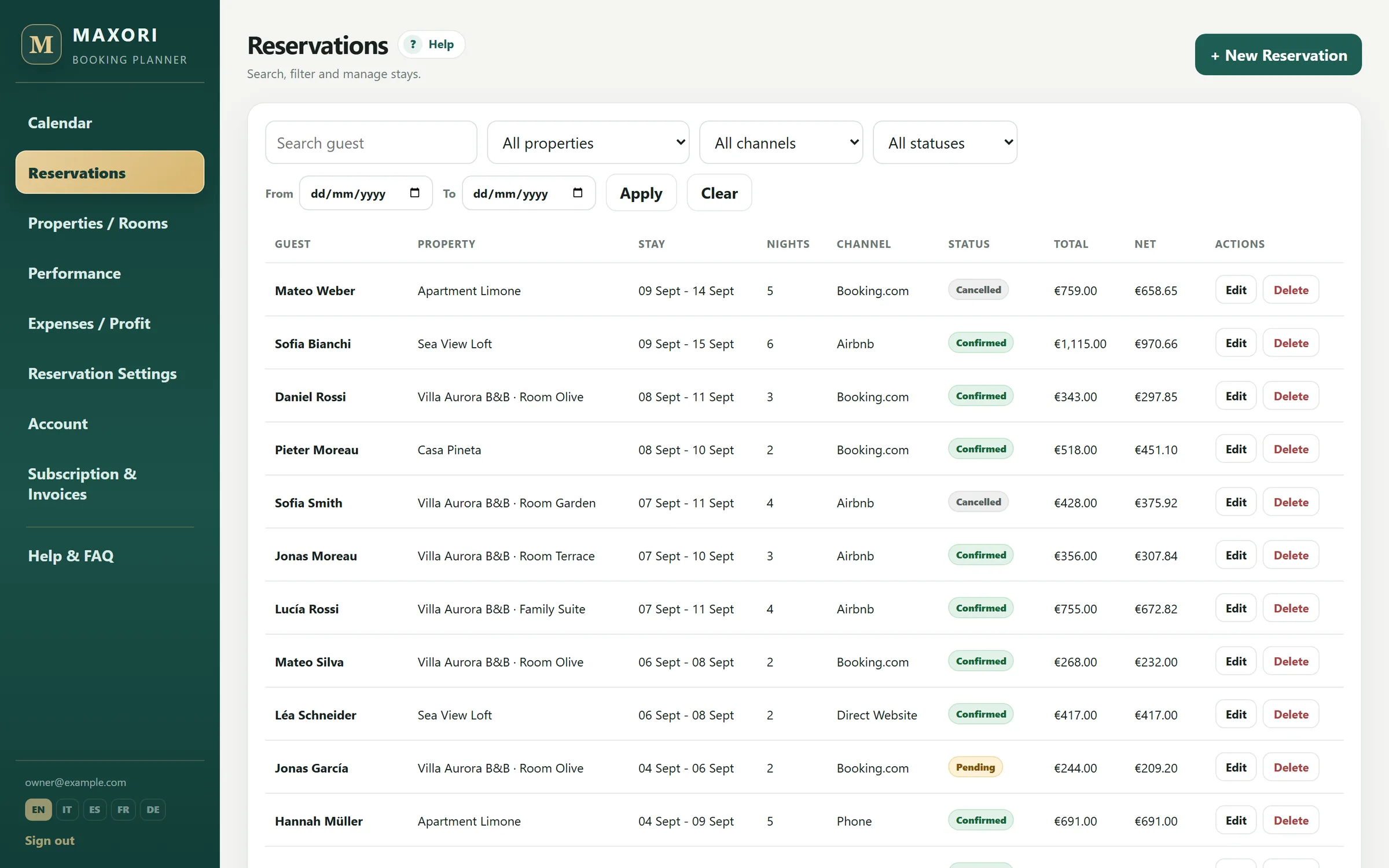
Keep the source channel even without a connection
Booking.com, Airbnb, direct, phone or your own channels can be attached to each booking with their commission for later reporting.
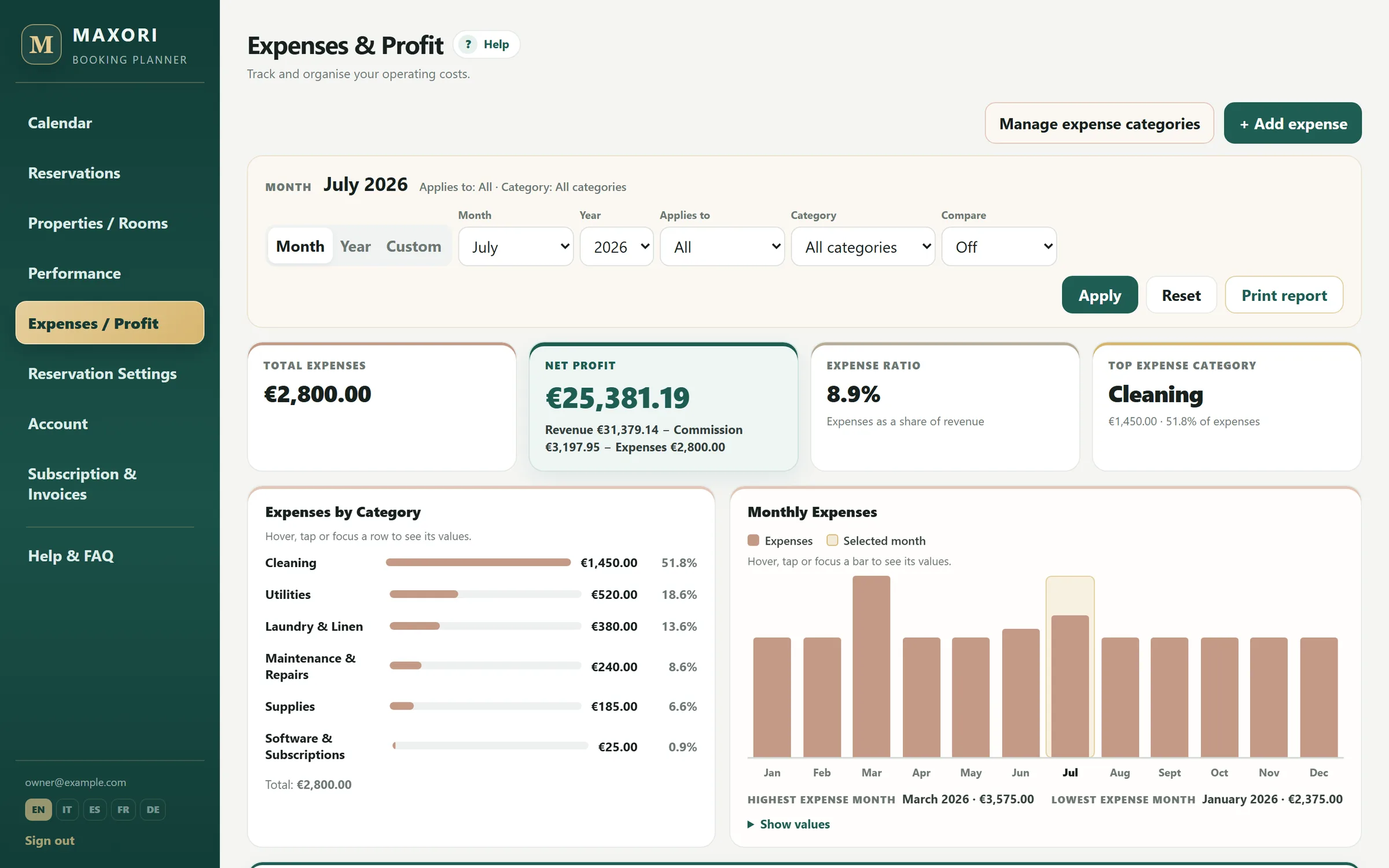
Payments and expenses still stay central
Manual booking entry does not mean manual reporting. Payments, refunds, commissions and property expenses remain connected to the operational data.
Know when manual entry stops being sensible
If instant bookings arrive frequently from several platforms, manual updates become risky and slow. That is the point where a channel manager is designed to help.
Manual booking planner or channel manager?
- Booking entry
- Manual entry in MAXORI: You record it
- Channel manager: Automatic from connected channels
- Internal booking calendar
- Manual entry in MAXORI: Yes
- Channel manager: Usually
- Closes dates on OTAs
- Manual entry in MAXORI: No
- Channel manager: Yes
- Channel commissions
- Manual entry in MAXORI: Recorded in MAXORI
- Channel manager: Depends on product
- Best fit
- Manual entry in MAXORI: Few channels / manageable volume
- Channel manager: Many channels or frequent instant bookings
MAXORI cannot prevent an overbooking that happens between two OTAs before you record the stay. That requires channel synchronisation.
The limitation is deliberate
- There is no iCal or API connection to Booking.com, Airbnb, Vrbo or other OTAs.
- MAXORI does not change prices or availability outside its own Planner.
- Overlap blocking applies to bookings already stored in MAXORI.
Can I use MAXORI without a channel manager?
Yes. MAXORI itself has no channel manager; bookings are entered manually.
Does it prevent overbooking?
It prevents two overlapping bookings on the same unit inside the Planner, but it does not synchronise external booking sites.
Can I record where each booking came from?
Yes, including the channel commission.
When should I use a channel manager?
When booking volume or the number of channels makes manual availability updates too slow or risky.
Can I test the manual workflow?
Yes, for 14 days with no credit card.
If manual entry still fits, make it organised
Use MAXORI for 14 days with your upcoming bookings and see whether central control is enough.