Network and password in the guide
Guests find the network name and password on a dedicated Wi-Fi page.
Wi-Fi for guests
The Wi-Fi password is the most repeated question of every stay. Put it in the guest guide with a copy button and a QR code, and guests connect without writing to you.
No credit card. Every feature for 14 days, then plans from €99 a year.
The everyday problem
Within minutes of arriving, someone asks for the Wi-Fi password.
How the Guest Guide helps
Guests find the network name and password on a dedicated Wi-Fi page.
One tap copies the password, so no typos on a long string.
The guide shows a QR code that joins the network from the phone camera.
Set it up
Find it in the visual editor of your property.
The copy button and the QR code are generated from them.
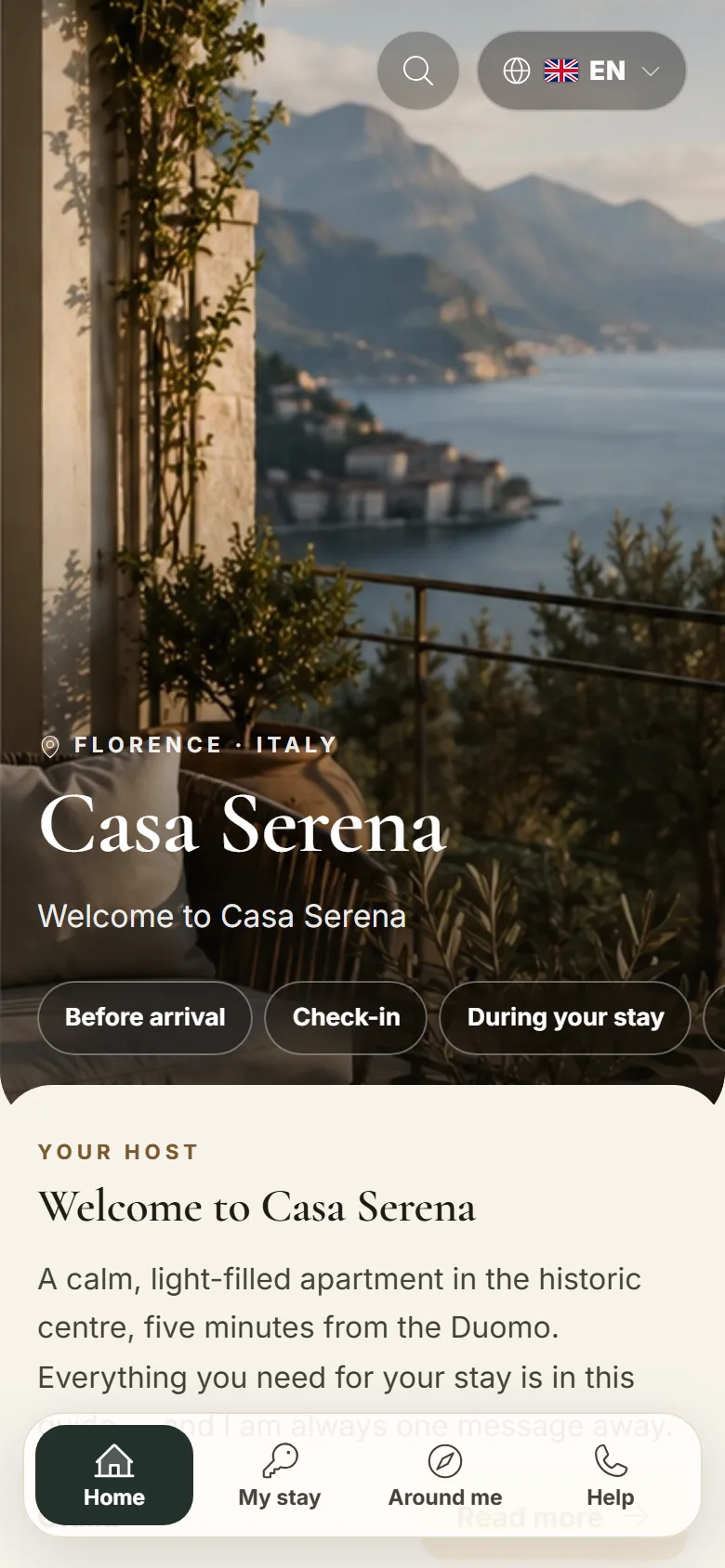
The preview shows how it looks on the guest's phone.
No credit card. Every feature for 14 days, then plans from €99 a year.
Yes. Each apartment or room can have its own guide content.
No. The password is inside the stay's private guide, opened from the link.
The guest QR code is for the stay link. You can print that and leave it in the apartment.
Add it to your guide in the free 14-day trial and never retype it again.
No credit card. Every feature for 14 days, then plans from €99 a year.